


One platform. Two parts.
How it works
Daysium brings your day counts, evidence, and devices into one place.
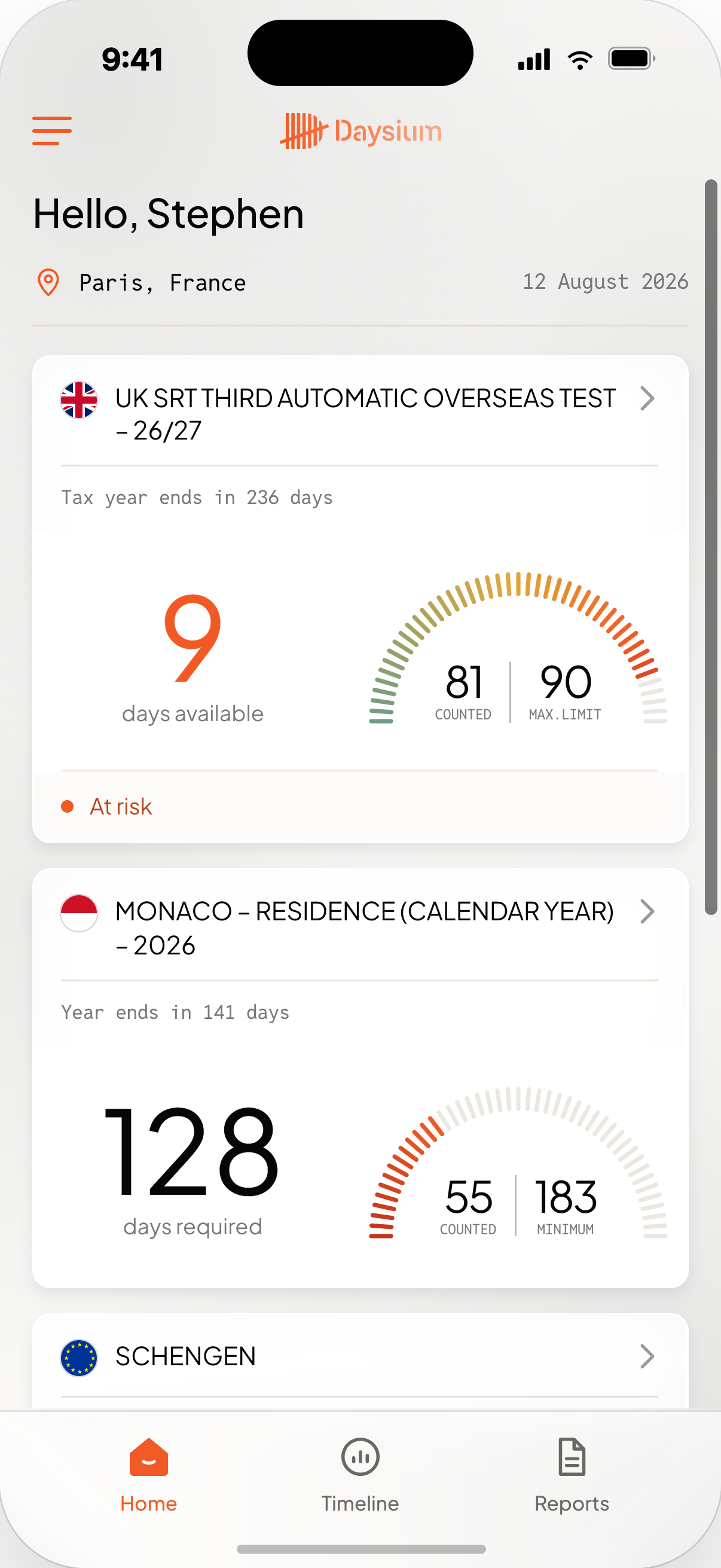
Your side of Daysium.
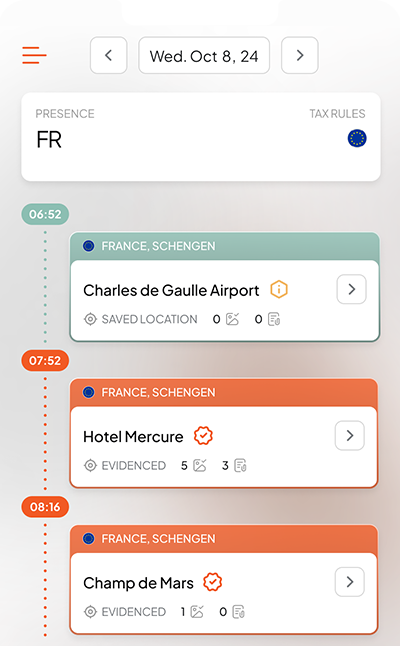
Daysium Mobile counts your days against the rules set for your position, builds the record as you travel, lets you add supporting evidence and creates reports when you need them.
Day counts · Evidence · Reports
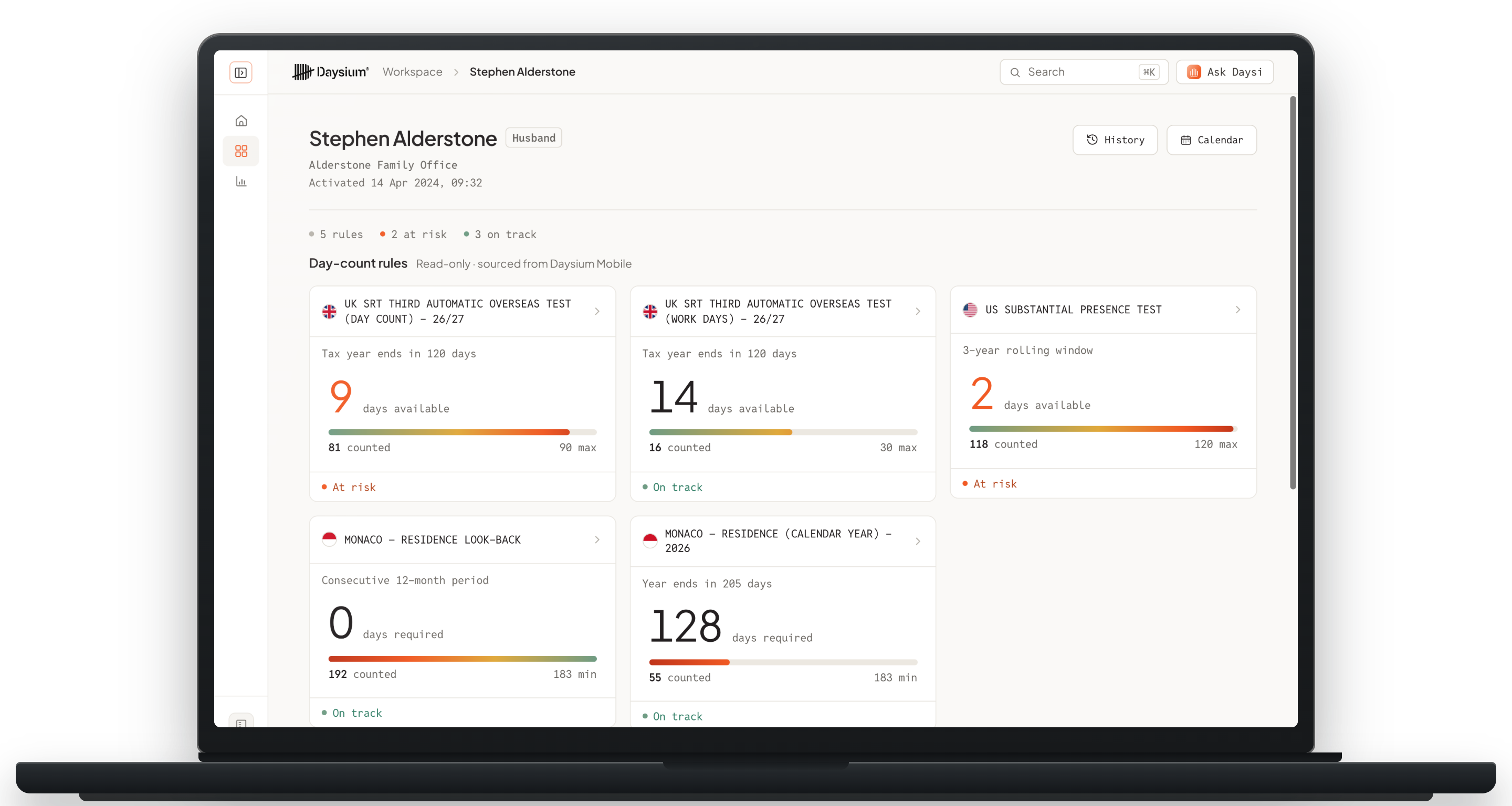
Keep the right people in the loop.
Daysium Portal gives the advisors and other named people you choose access to your live day-count position and reports.You decide who has access.
Permissioned access · Live position · Reports
From advice at the start of the year
to review at the end.
The process starts and ends with your advisor.
 1
1Establish Rules
Set the Rule Cards for the strategy you are working to.
Features:
- Identify which tax rules affect you
- Select these rules in the platform to accurately count days by specific tax rules
 2
2Plan
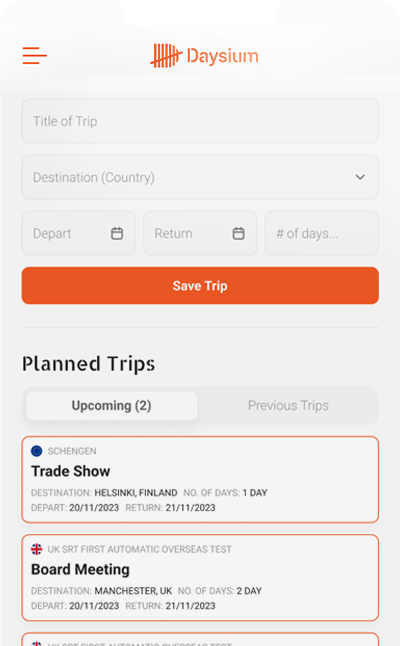
See your current counts before making travel decisions.
Features:
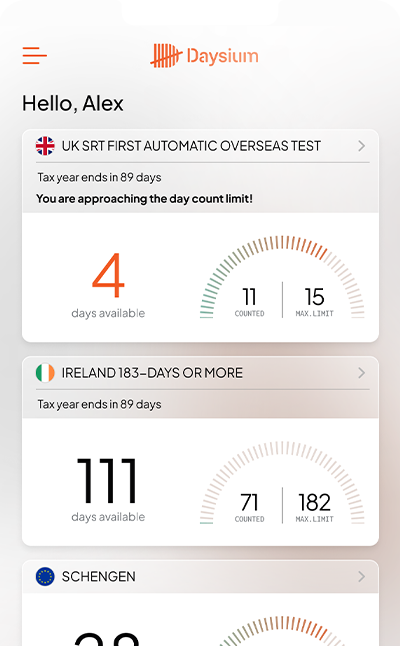
- Your current day count, in every jurisdiction
- The number you need before you commit to a trip
 3
3Log
Let Daysium Mobile build the factual record as you move.
Features:
- Automated location logging using your phone’s location technology
- Avoid location data gaps that prompt questions in an enquiry
 4
4Evidence
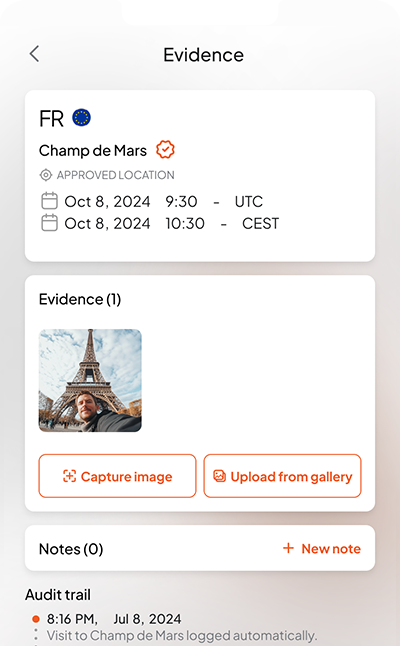
Add the proof behind the days while it is still fresh.
Features:
- Add photos of receipts and boarding passes to your timeline
- Upload geo-tagged selfie to prove you were at that location, not just your phone
 5
5Report
Create a snapshot or share the live position with the people you choose.
Features:
- Share a snapshot report, or give live access — the choice is yours
- Review risk, discuss strategy, and track changes in circumstances together



Choose your path.
Daysium handles the factual record. It does not give tax advice or decide which residence tests apply.